
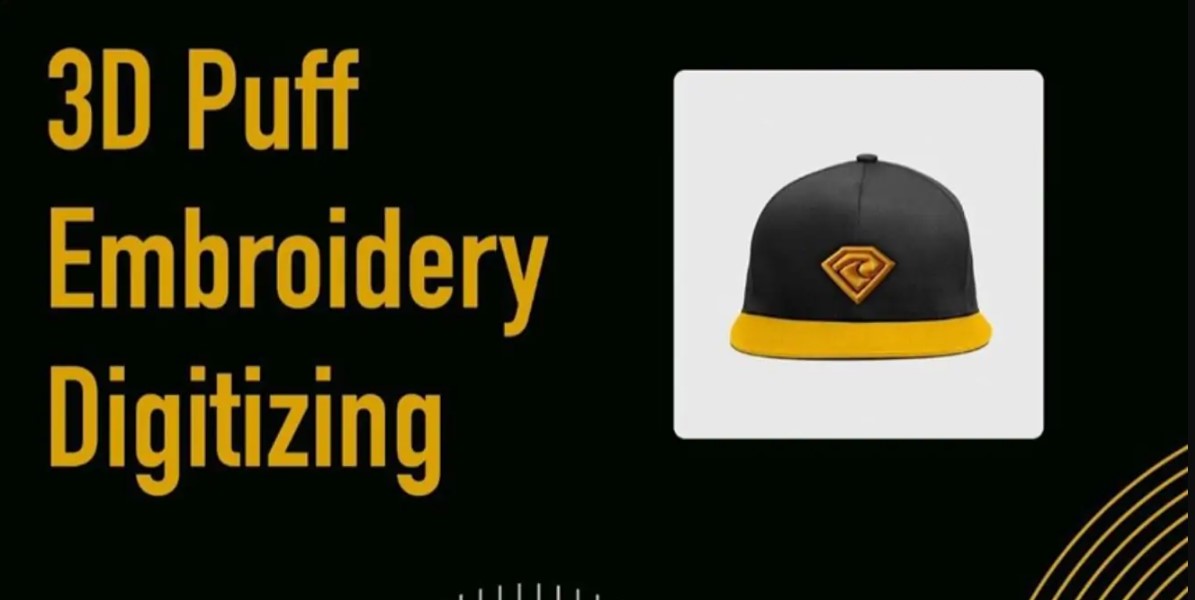
There is a moment of pure satisfaction when you run your fingers over a perfectly executed 3D puff embroidery design. That tangible, raised texture transforms a simple garment into a premium product, adding a dimension that flat stitching can never match. It is the secret behind those bold caps and athletic logos that seem to leap off the fabric. While the final effect looks impressive, the journey to consistent, professional-quality results happens long before the needle hits the foam. It is a journey that hinges entirely on the precision of digitizing 3D Puff for embroidery.
Understanding the Foundation: It is All About Space
Before you open your software, it is crucial to grasp the core principle. Standard embroidery digitizing aims for clean, flat coverage. 3D puff digitizing has a completely different goal: to create a spacious, structured pocket for the foam to expand into.
The foam sits on the fabric, and your stitches will sew through it, trapping it in place. If your digitized file is too tight or dense, it will compress the foam flat, defeating the entire purpose. Your mission is to engineer a blueprint that gives the foam room to puff up, creating that signature soft, rounded dome. This shift in mindset—from creating coverage to creating structure—is your first step toward success.
The Golden Rule: Mastering Push Compensation
This is the single most important setting in your digitizing software for 3D puff. When a satin stitch is sewn, the threads naturally pull inward as they lock into the fabric and foam. This natural “pull” is the enemy of height, as it actively squeezes the foam.
To combat this, you must apply aggressive push compensation. This setting deliberately makes your satin stitch columns significantly wider than their intended visual width. We are not talking about a minor adjustment. You often need to increase the width of a column by 30 to 50 percent. A column meant to be 6mm wide might need to be digitized at 8.5mm or even 9mm. This extra space is the breathing room your foam needs to expand upward into a perfect dome, rather than being strangled by the stitching.
Controlling Density for the Perfect Puff
If push compensation is the most critical rule, then stitch density is its essential partner. The instinct for a clean flat design is to use a high stitch density. For puff, this instinct will lead you astray.
A high-density stitch pattern acts like a heavy, solid blanket, smothering the foam and preventing it from expanding. You need a lower, more open density. For the top satin stitches, a density setting between 0.45mm and 0.6mm is an excellent starting point. The goal is to have enough stitches to cover the foam and look solid from a distance, but with a texture that is open enough to allow the material to lift. This creates a supportive cage around the foam, not a sealed lid on top of it.
Building an Unshakable Base: The Role of Underlay
Never underestimate the power of the underlay in a 3D puff design. Its role becomes even more critical because you are stitching on a layer of unstable foam. A proper underlay anchors the foam to the fabric and stabilizes the entire structure before the top stitches go down.
Your best friend here is a robust edge run underlay. This stitch traces the perimeter of your shape, tacking down the foam and creating a defined boundary. For larger filled areas, adding a zigzag or fill underlay provides crucial internal stability, preventing the center of your design from sinking or buckling. This layered foundation is what ensures your puffed design holds its shape and does not twist or shift during stitching.
Strategic Design Choices for Success
Not every design element is a good candidate for the puff treatment. Understanding what works and how to combine elements will elevate your results.
Satin stitches are the undisputed champion for 3D puff. Their solid, column-like structure is ideal for creating defined, raised edges, making them perfect for lettering, borders, and outlines.
One hallmark of a professional design is the combination of puff and flat elements. Imagine a logo where the main text is raised in 3D puff, but a small, intricate icon within the text is stitched flat. This contrast is visually striking and ensures the fine details of the icon remain crisp and readable.
You can also use fill stitches for puff, but this requires a very open, loose fill pattern. A tight, dense fill will crush the foam just as a dense satin stitch would.
From Digital File to Tactile Masterpiece: The Stitch-Out
Your digital work is proven at the machine. For a professional result, always use the correct materials. Pair a medium-density foam with a sturdy cutaway stabilizer; the stabilizer provides the backbone for the entire sandwich of fabric, foam, and thread.
When you run your first test, watch the initial puff color closely. If you see the satin stitches immediately compressing the foam flat, you know you need to go back and increase your push compensation. This test stitch is your most valuable tool for refinement.
The final, satisfying step is the tear-away. After stitching, gently tear the excess foam from the stitched areas. Using a pair of tweezers for tight corners helps avoid pulling on the threads, leaving you with a clean, professional-looking dimensional design.
Mastering the digitizing process for 3D puff is what separates a hobbyist project from a commercial-quality product. It is a skill that requires you to think like an architect, building space and structure rather than just laying down thread. By embracing aggressive push compensation, lowering stitch density, and constructing a solid underlay foundation, you gain complete control over the texture and height of your embroidery. This guide provides the blueprint. Now, it is your turn to load your software, embrace these techniques, and start creating stunning, tactile designs that truly stand out.